

Packed weights stay packed.
Fused Metal kernels decode 2-bit weights inside the matrix multiply itself, with no separate dequantization pass or full-precision shadow copy. Supported 35B mixture-of-experts checkpoints run entirely on your Mac.
$ mach-serve ./qwen3.6-35b-a3b --port 8080
detected qwen3_5_moe · packed trellis experts · local checkpoint
fused_decode_matmul=1 dequant_pass=none
decode_path=dflash-specdec batched_specdec=1
prefix_cache=on
serving on http://127.0.0.1:8080/v1
Compressed in memory, not just on disk
Mach keeps expert weights in their packed trellis code, and fused kernels decode them inside the matrix-vector product as they're read. That keeps the low-bit expert representation intact throughout the serving path.
bf16 shadow copy in memory
packed weights stay resident
weights are decoded as they're read: no dequantization pass, no second copy
Fast paths with correctness gates
The default decode path is DFlash speculative decoding: a draft head proposes a block of tokens, the target model verifies it in one parallel pass. Optimized paths are regression-tested against the reference. Speculative and batched arithmetic can still choose a different token when BF16 logits are nearly tied.
proposes 16 tokens
verifies the whole block in one pass · longest accepted prefix commits
target-verified acceptance · regression-tested against the reference
Concurrent work, one laptop
Concurrency isn't a fallback mode. Requests batch continuously, joining and leaving mid-flight, and share a batched speculative decoder. Run subagents, background tasks, and your chat at once.
requests share one decoder
requests join and leave mid-flight · concurrent streams share one batched speculative decoder
Point your agent harness at your Mac
One command drops an agent harness onto your local model, because Mach speaks both the OpenAI and Anthropic APIs. Repeated system prompts and tool definitions restore from prefix snapshots instead of re-prefilling, and tool-call arguments are grammar-constrained so they always parse.
$ mach launch claude
mach-serve up on http://127.0.0.1:8080/v1 · anthropic + openai apis
claude code → qwen3.6-35b-a3b (local)
prefix_snapshots=restored tool_grammar=constrained
› refactor the auth middleware
Zero terminals required
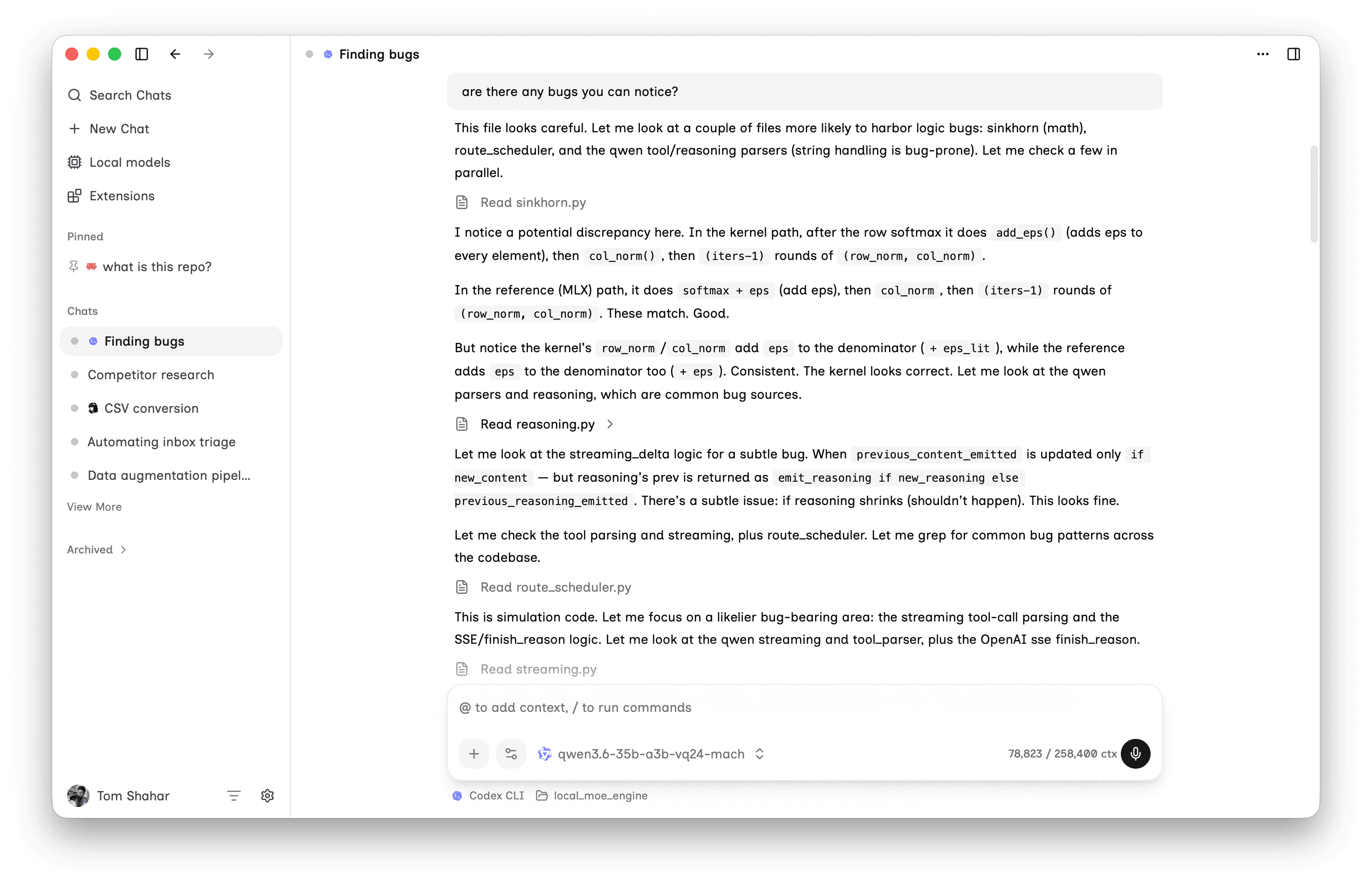
Mach Studio manages the engine for you: it installs the runtime, picks the serving mode for each checkpoint, spawns the server, and shows live throughput, time-to-first-token, and memory. Everything here is also a pip install away: same engine, your terminal.
Local inference, without the leftovers
Download Mach Studio and the engine comes with it, or pip install and run mach-serve yourself.